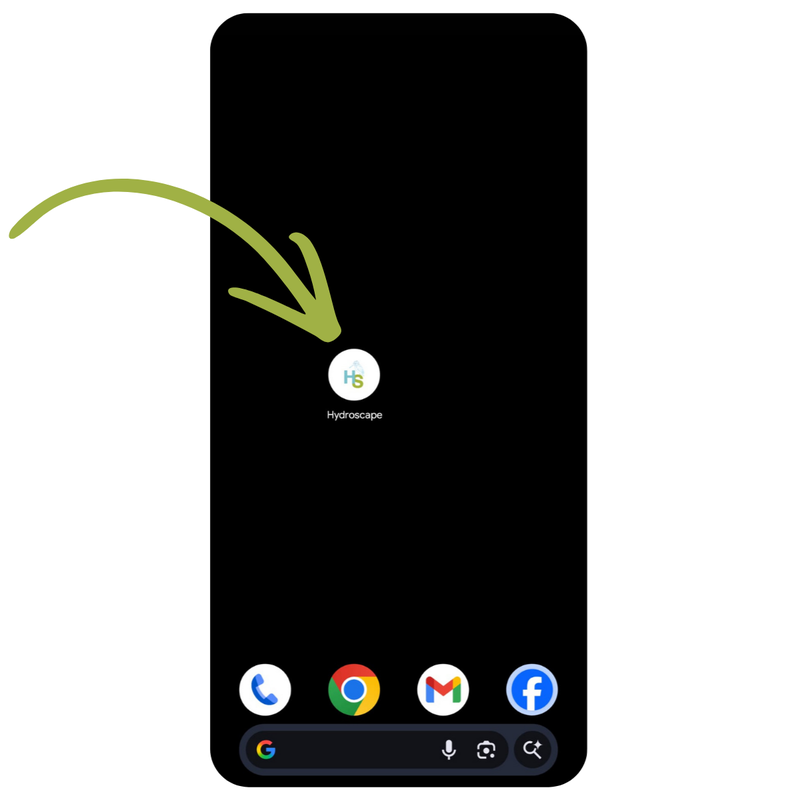
Android users get Hydroscape from Google Play. iPhone, iPad, and desktop users install it as a Progressive Web App (PWA) — directly from the website, in two taps, no App Store needed. Once installed it works exactly like a native app, including offline mode.
Why isn't it in the Apple App Store yet?
It will be — that's on the roadmap. For now, iOS users install Hydroscape as a Progressive Web App from Safari. That means:
Updates are instant — no "update available" prompts, no waiting for store review
No tracking you didn't agree to — nothing leaks to ad networks via store metadata
One codebase, every device — the app behaves identically on iOS, Android, and desktop
Offline-first — once installed, the app caches itself and works without signal
If you're used to App Stores, it takes a second to trust. But it's the same code, delivered more directly.
On Android — Get it from Google Play
The fastest install. Open the Play Store link below, tap Install, and the app appears on your home screen and in your app drawer like any other Android app.
Prefer to install from the website instead? Open app.hydroscape-group.co.uk in Chrome, tap the three-dot menu (top right), then Install app. You'll get the same app either way.
Look for an install icon in the address bar (a small desktop-with-arrow icon, on the right)
Click it, confirm
The app opens in its own window and pins to your taskbar or dock
Don't open in Facebook, Instagram, or LinkedIn
Their in-app browsers don't support installation. If someone shares the Hydroscape link on social media and you tap it, the install option won't appear. Copy the link and paste it into Safari (iPhone) or Chrome (Android) instead, then follow the steps above.
What it looks like
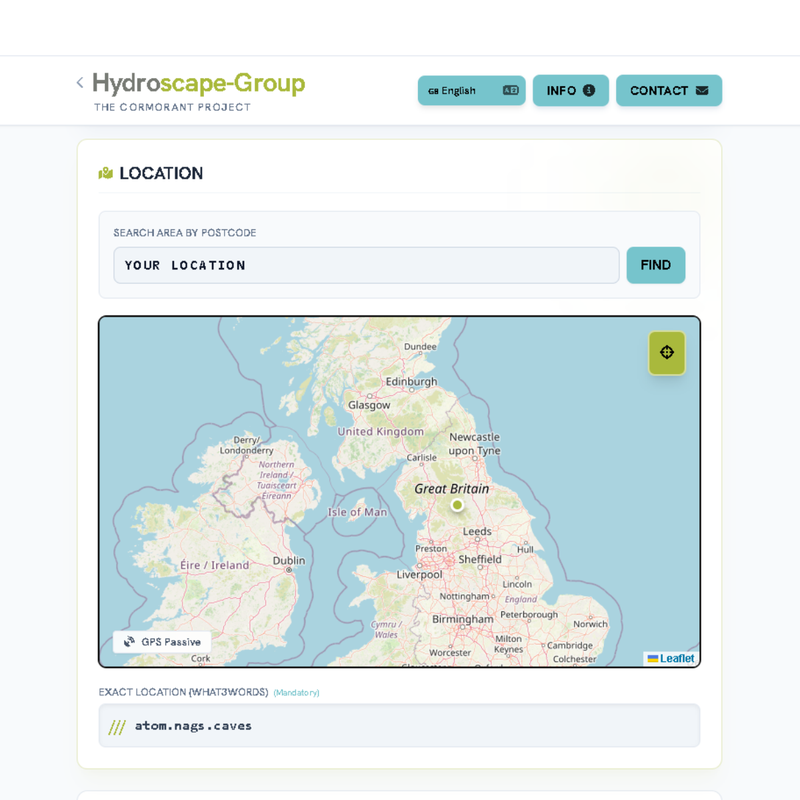
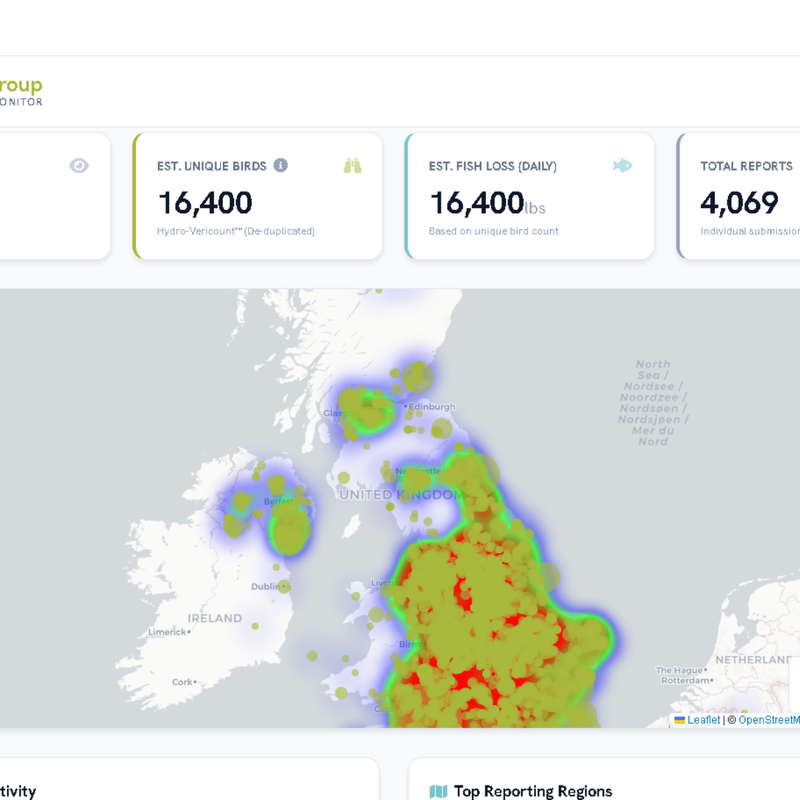
Reporting form with map, dashboard with national heatmap, full-screen experience that works offline:
Reporting form with mapDashboard & heatmap
There's also HydroTasks
Hydroscape has a sister app:
The Hydroscape App — the main one. Sightings, water quality, cormorants, HydroLibrary, biodiversity reports.
HydroTasks — a separate outdoor task management app for fishery managers and teams. Different use case. Install it if you're using Hydroscape at club level, otherwise you don't need it.