If you are reading this in the Hydroscape app
You already have it, and there is nothing to install. The rest of this page is for putting Hydroscape on another device, so open it there and follow the steps.
Now on Google Play for Android. iPhone, iPad, and desktop install directly from your browser.
iOS App Store version in development
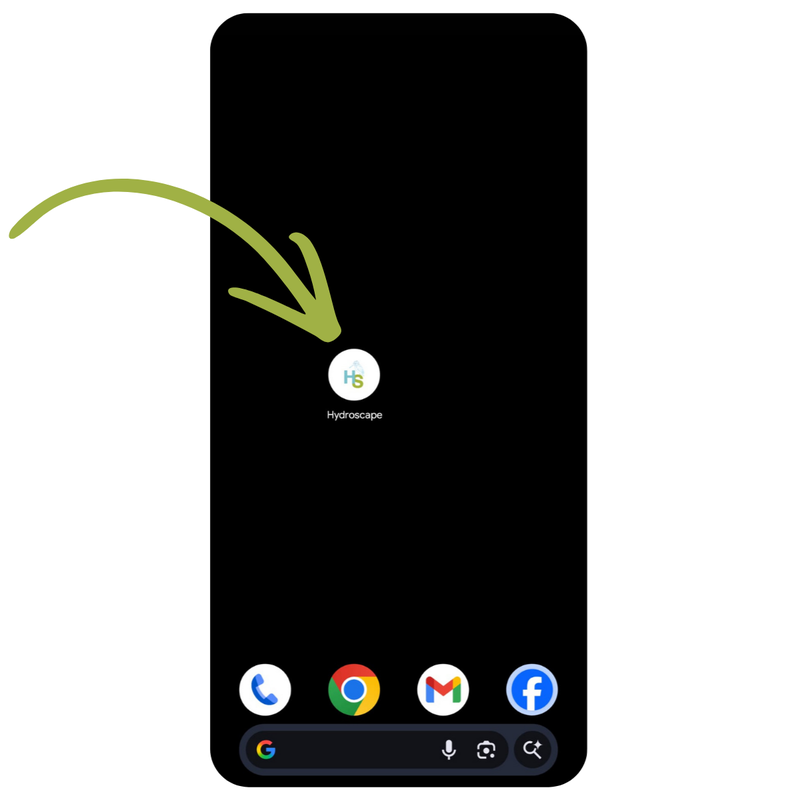
You already have it, and there is nothing to install. The rest of this page is for putting Hydroscape on another device, so open it there and follow the steps.
Android users get Hydroscape from Google Play. iPhone, iPad, and desktop users install it as a Progressive Web App (PWA) — directly from the website, in two taps, no App Store needed. Once installed it works exactly like a native app, including offline mode.
It will be — that's on the roadmap. For now, iOS users install Hydroscape as a Progressive Web App from Safari. That means:
If you're used to App Stores, it takes a second to trust. But it's the same code, delivered more directly.
The fastest install. Open the Play Store link below, tap Install, and the app appears on your home screen and in your app drawer like any other Android app.
Prefer to install from the website instead? Open app.hydroscape-group.co.uk in Chrome, tap the three-dot menu (top right), then Install app. You'll get the same app either way.
Their in-app browsers don't support installation. If someone shares the Hydroscape link on social media and you tap it, the install option won't appear. Copy the link and paste it into Safari (iPhone) or Chrome (Android) instead, then follow the steps above.
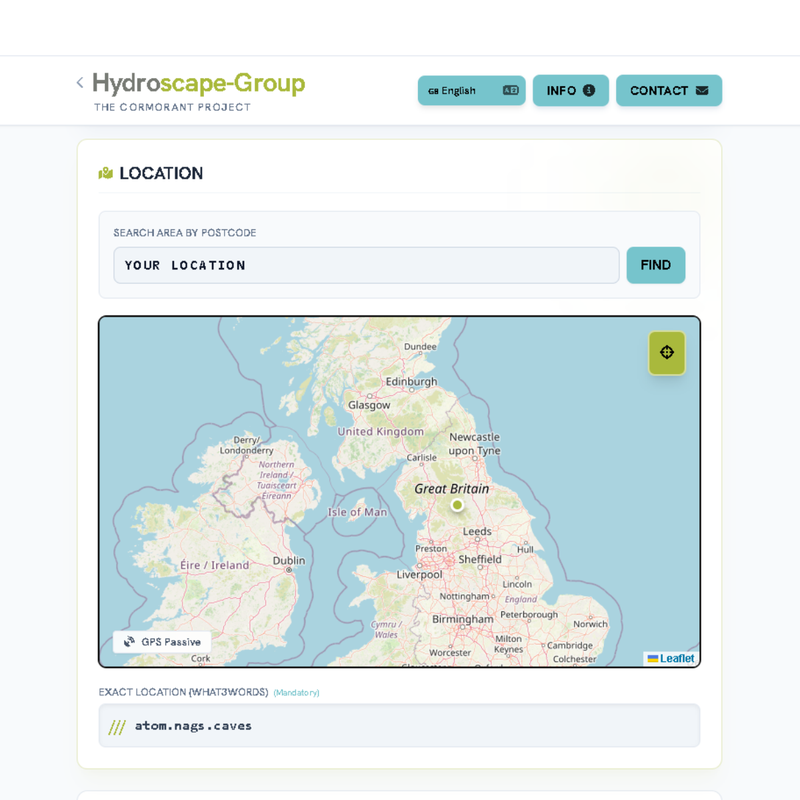
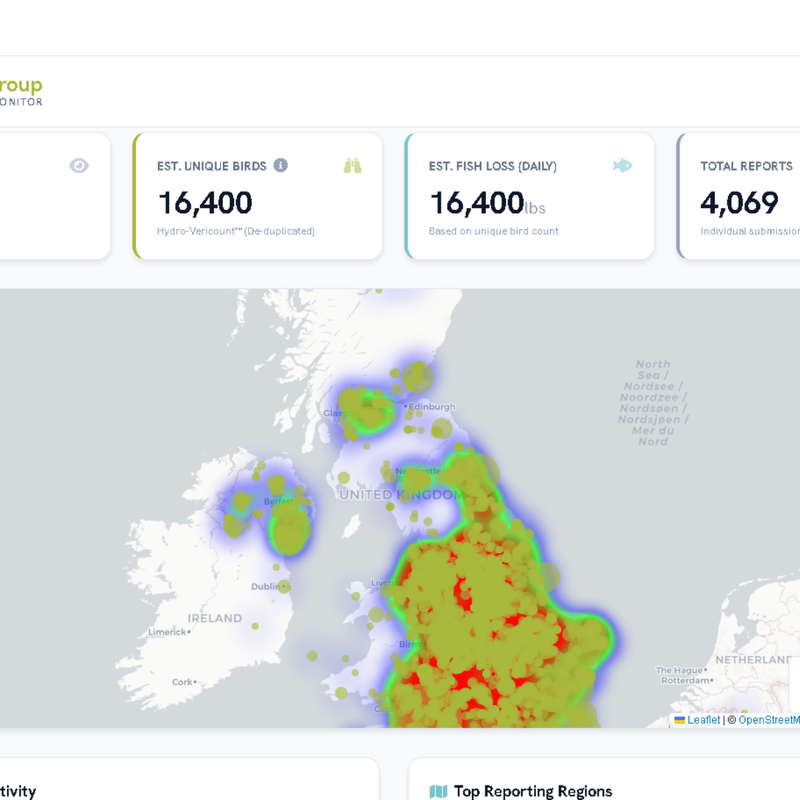
Reporting form with map, dashboard with national heatmap, full screen on any phone:
Hydroscape has a sister app:
Setup steps are in the HydroTasks help article.
Hydroscape is free, works offline, and goes live the moment you tap the icon on your home screen.
Get it on Google PlayEvery article in this help centre is short and answers one question. Browse the full index, or email us directly — we read every message.
All Help Articles